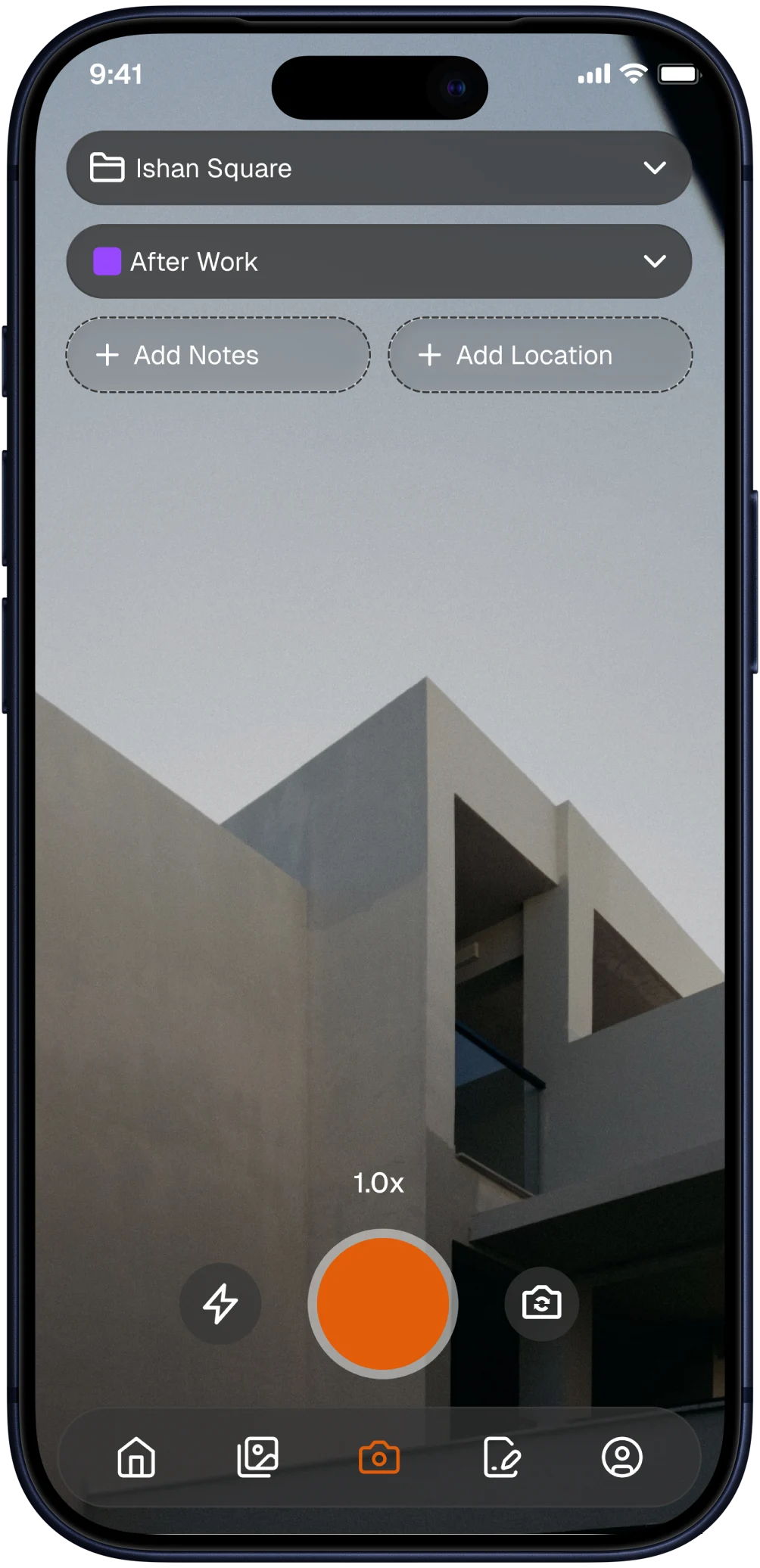
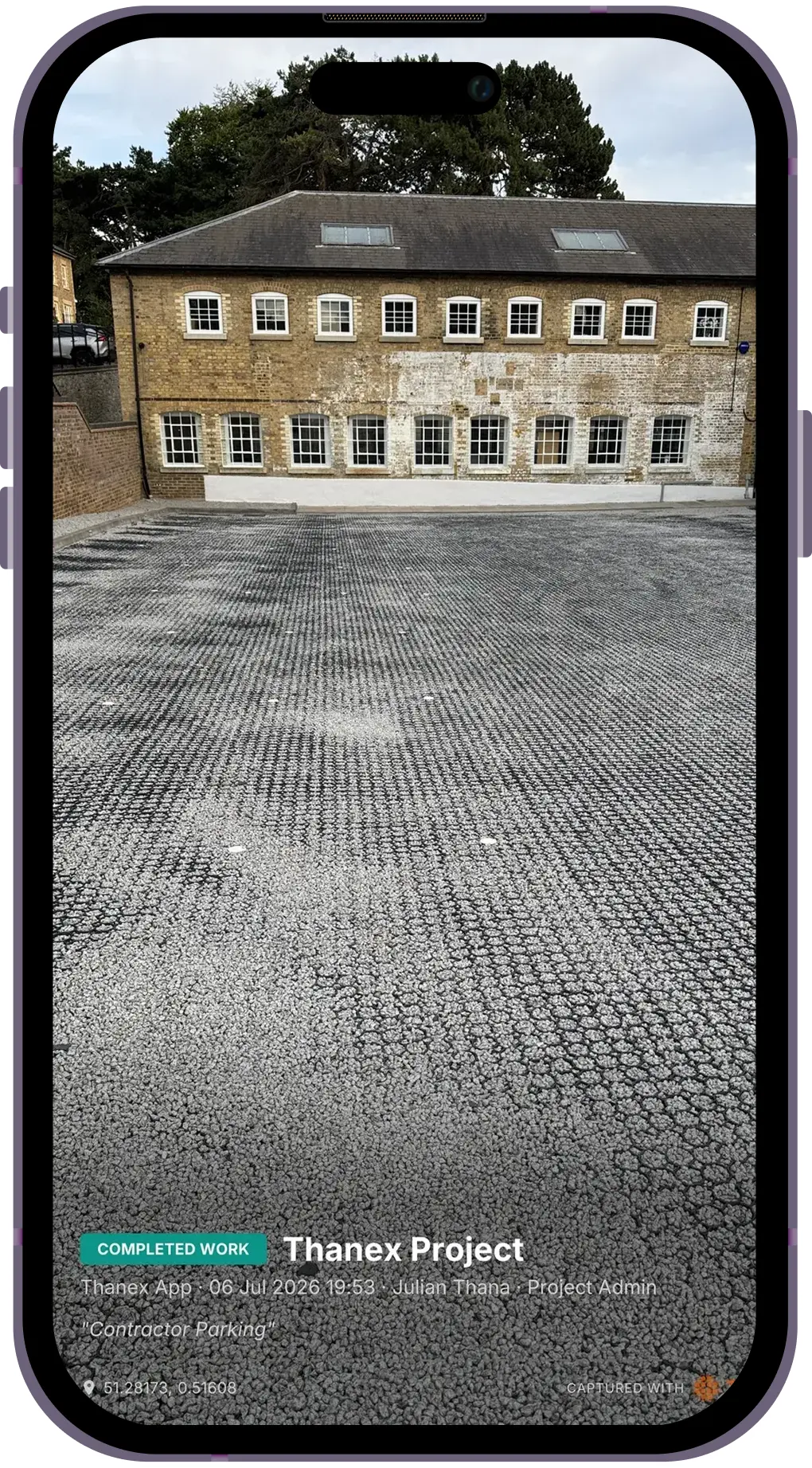
Straight from site. Stamped the moment they were taken.
01
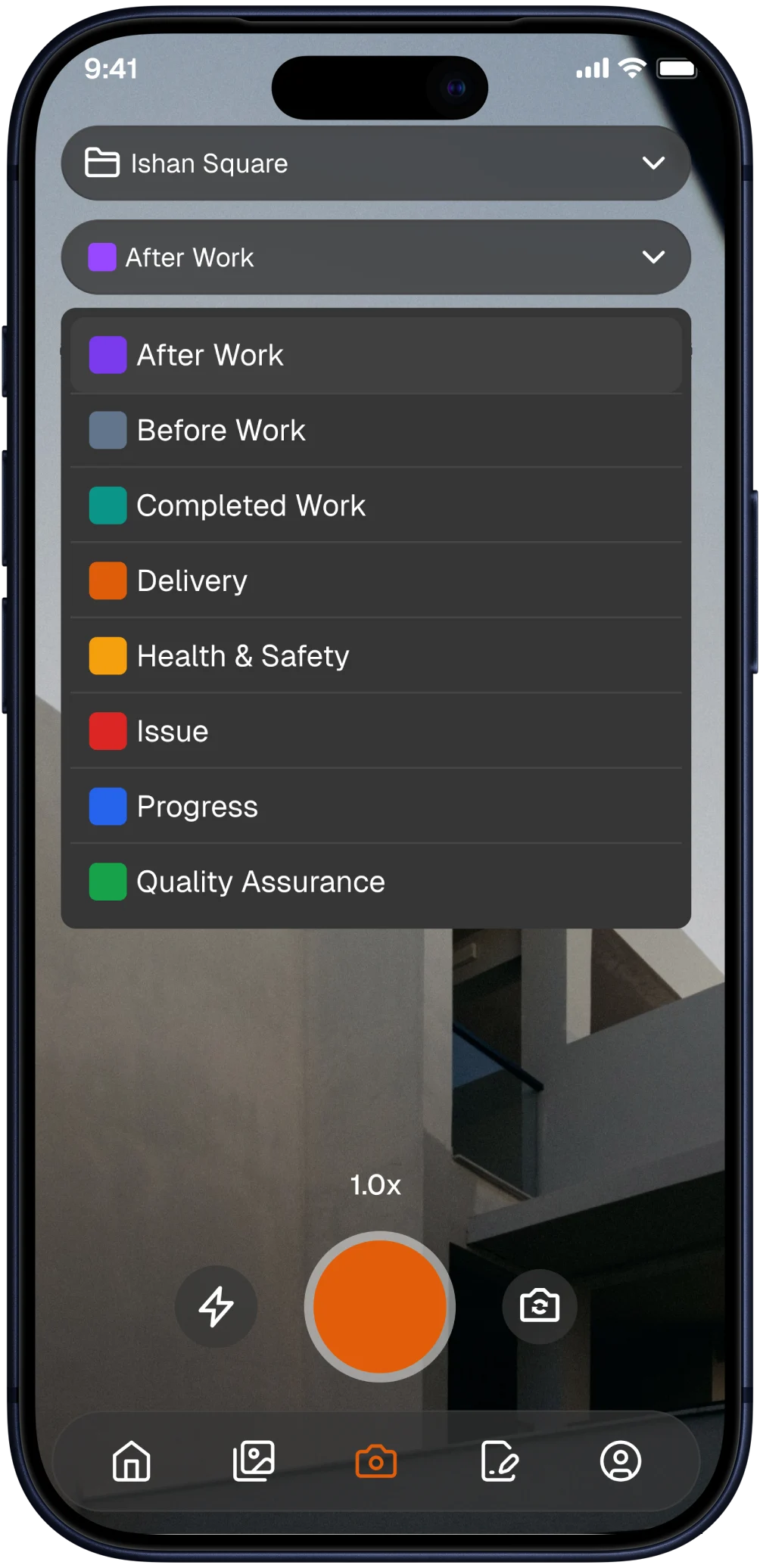
Completed Work
Proof the job was done. On the photo.
Thanex →
Real photos. .Real jobs
Straight from site. Stamped the moment they were taken.
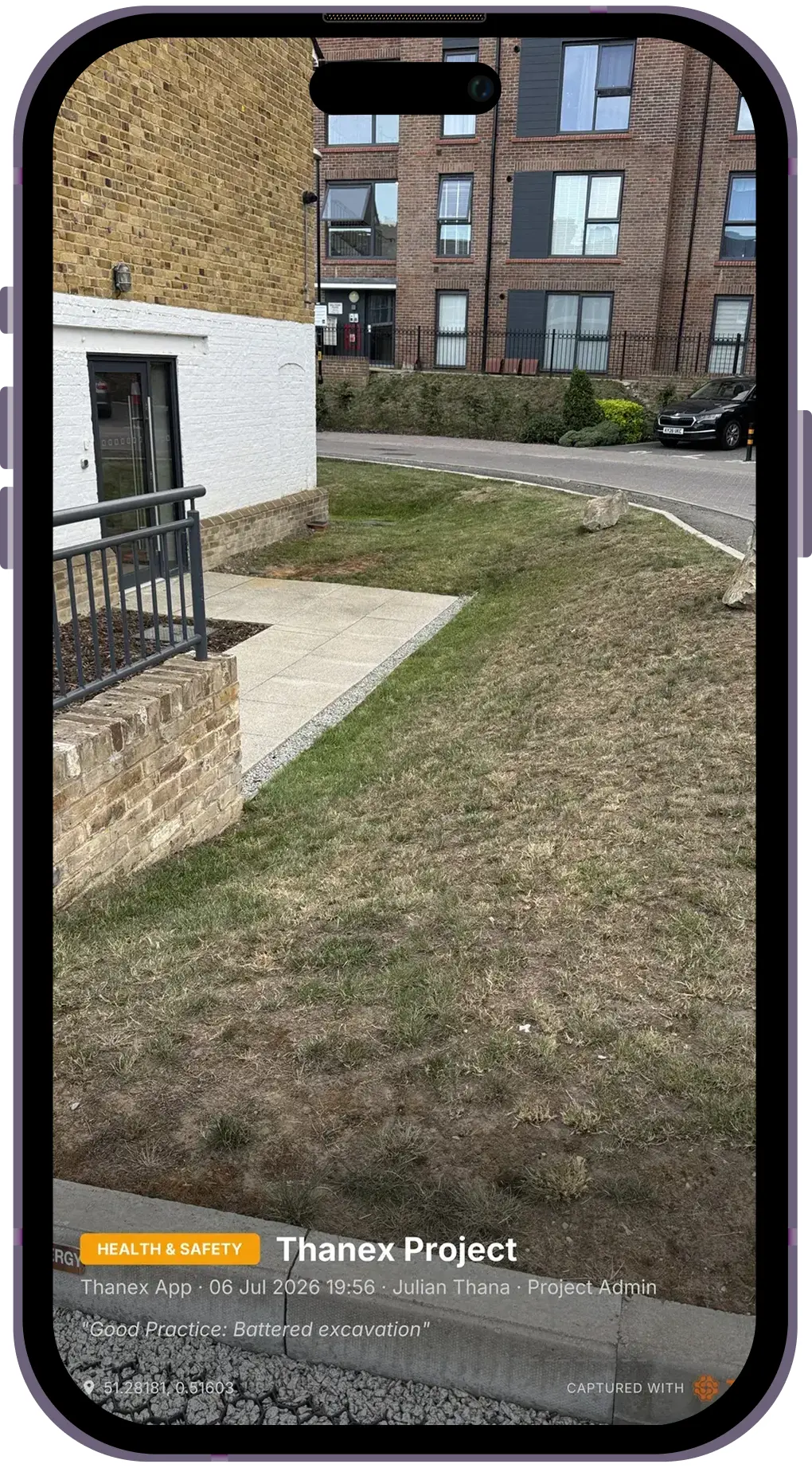
02
Health & Safety
Who checked it, when and where.
Thanex →
Real photos. .Real jobs
Straight from site. Stamped the moment they were taken.
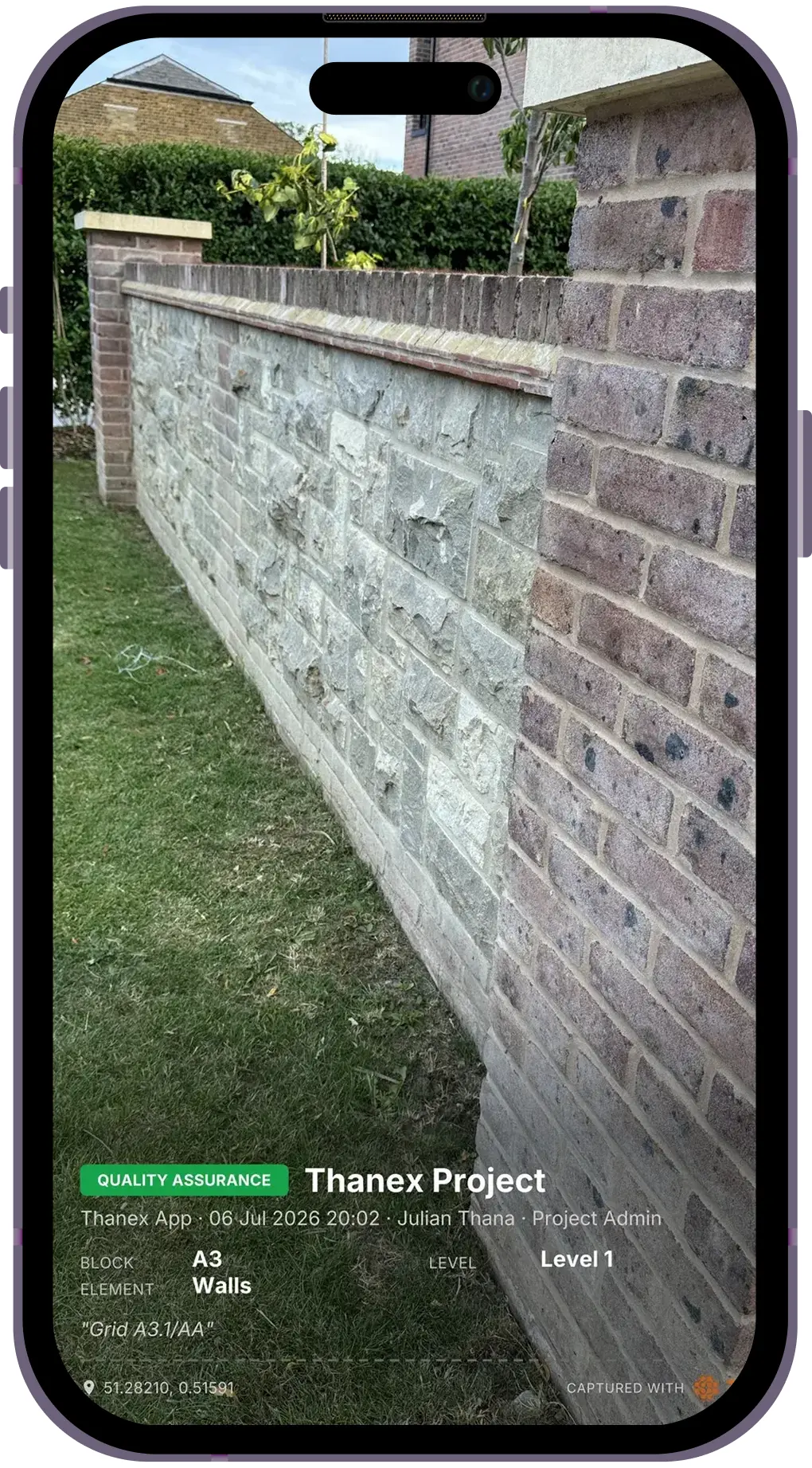
03
Quality Assurance
The standard of the work, on the record.
Filed means findable
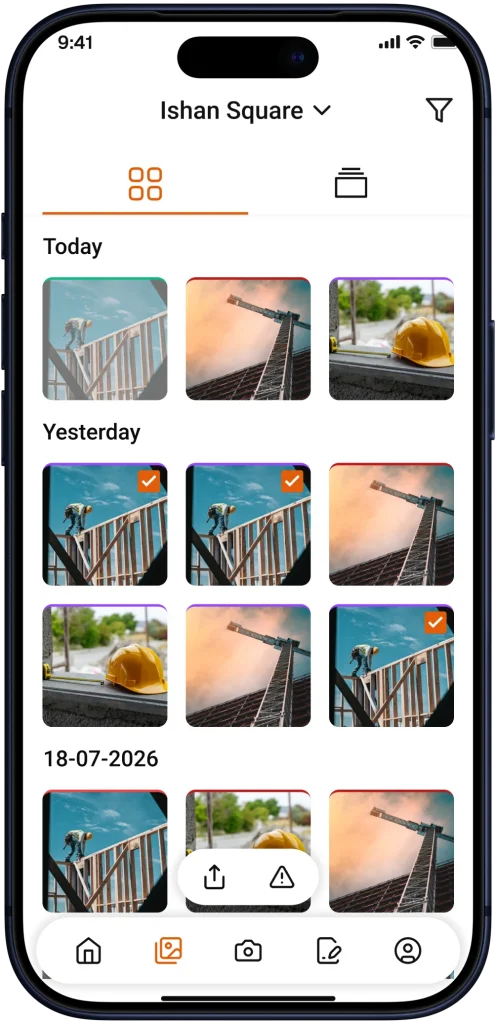
01
Every photo from every job.
The whole record in one place.
02
One photo type.
Only the quality photos. Only the deliveries. One click.
03
One person's work.
Filter by who took it and the job title they held.
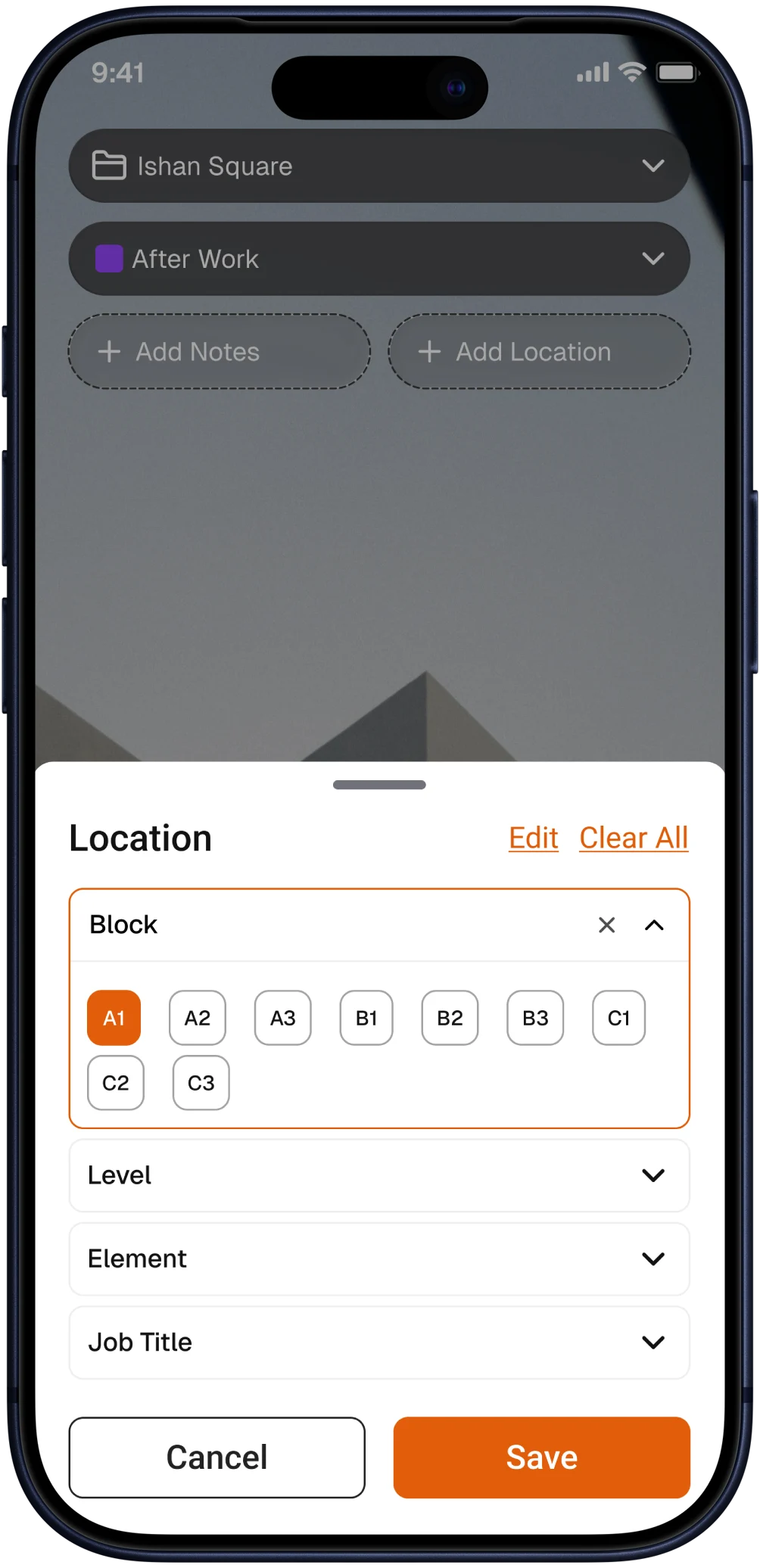
What every photo records.
Project
Photo Type
Who took it
Role
Date and time
GPS
Note
Location
Just take the photo.
Every project tells a story. Make sure yours is organised, searchable, and ready whenever you need it. Download Thanex today and start building better project records from the very first photo.
Download Now
Live on the App Store and Google Play. Free to download and start capturing work photos in under a minute.